
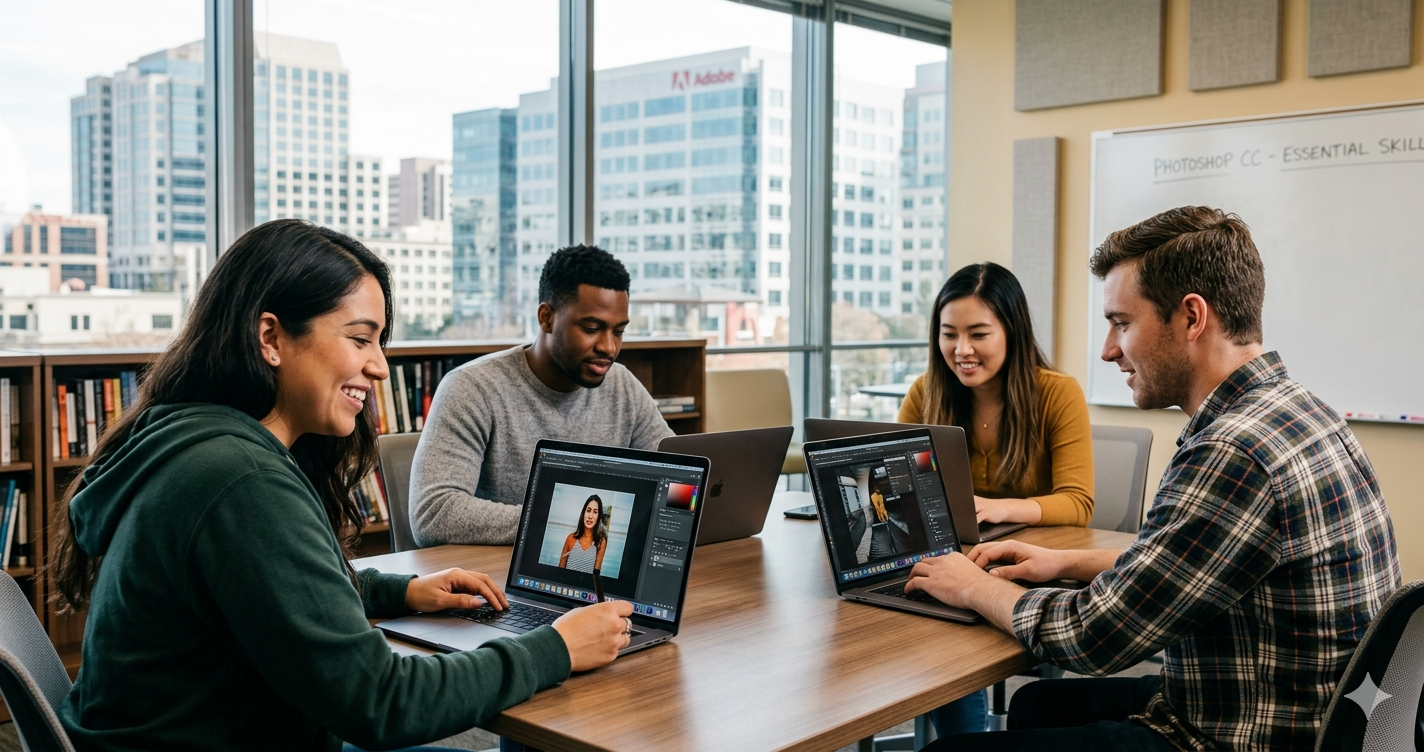
Adobe Photoshop remains the industry standard for digital imaging and graphic design. This course provides a thorough grounding in the software, helping you move from a complete beginner to a confident user capable of creating professional visual content. Whether you want to retouch photos, design social media graphics, or create complex digital art, these lessons offer the practical foundations needed to succeed in a visual industry.
The curriculum is designed for aspiring designers, photographers, and hobbyists who want a structured path through Photoshop’s extensive toolset. You will learn through a series of practical demonstrations that break down complex features into manageable steps. Currently, this course is available for free using a specific coupon code, making it an excellent opportunity to gain a premium skill without the usual financial investment.
Course Overview
| Field | Details |
| Course Name | Complete Course in Adobe Photoshop CC |
| Instructor | Creative Online School |
| Platform | Udemy |
| Cost | Free with coupon (Original price £29.99) |
| Certificate | Yes |
| Duration | 2 hours 44 minutes |
| Effort | Not specified |
| Delivery Mode | Online Self-Paced |
| Language | English |
| Level | All Levels |
| Enrolment Deadline | Open enrolment |
| Coupon Code | PSHOP_COMP |
| Coupon Expires | Limited uses remaining |
What You Will Learn
This course covers the essential tools and techniques required to navigate and utilise Adobe Photoshop CC effectively. You will start with the basics of the interface before moving on to more advanced manipulation techniques used by professionals.
- Navigating the Photoshop workspace and customising settings
- Working with layers, masks, and channels for non-destructive editing
- Using selection tools to isolate and modify specific parts of an image
- Retouching photographs to remove imperfections and improve clarity
- Applying colour correction and grading to enhance visual impact
- Creating original graphic designs using shape and text tools
- Exporting files in the correct formats for web and print
The course includes nearly three hours of on-demand video lectures, several downloadable resources for practice, and full lifetime access to the materials once you have enrolled.
Eligibility and Requirements
This course has no formal prerequisites. Anyone with an interest in the subject can enrol. You will need access to a computer with Adobe Photoshop CC installed to follow along with the practical exercises. While the course covers the basics, a general familiarity with operating a computer and managing files will be helpful for a smooth learning experience.
Cost and Financial Aid
The full price for this course is typically £29.99. However, by using the coupon code PSHOP_COMP, you can enrol for free. This free access includes the full course content and a certificate of completion once you finish all the modules.
Udemy does not offer traditional financial aid in the same way as platforms like Coursera, but they run regular site-wide sales where courses are heavily discounted. If the current coupon has expired, it is often worth waiting a few days for the next promotional period. Please note that coupons on Udemy often have a redemption limit and may expire quickly once a certain number of students have claimed them.
How to Enrol
- Visit the official course page on Udemy via the link provided below.
- Look for the “Apply Coupon” section near the course price.
- Enter the code PSHOP_COMP and click apply to reduce the price to zero.
- Click “Enrol now” to add the course to your account.
- Log in or create a new Udemy account to finalise your enrolment.
Frequently Asked Questions
Here are answers to the most common questions people ask about the Complete Course in Adobe Photoshop CC on Udemy, including eligibility, cost, certificate value and what to expect from the course content.
Is the Adobe Photoshop CC course free?
Yes, the course is currently free if you apply the PSHOP_COMP coupon code at checkout. Without a coupon, the course usually requires a one-time payment, though the price fluctuates during Udemy sales.
Do I get a certificate for this Photoshop course?
You will receive a digital certificate of completion from Udemy once you have watched all the video lessons. This certificate can be downloaded and shared on your LinkedIn profile or CV to showcase your new skills.
Can beginners take this Photoshop course?
This course is specifically designed to accommodate all levels, including those who have never opened Photoshop before. The instructor starts with the interface basics to ensure no one is left behind as the tasks become more complex.
How long do I have access to the course materials?
You receive full lifetime access to the course content once you have enrolled. This means you can learn at your own pace and return to the videos whenever you need a refresher on specific tools.
What software do I need for this course?
You will need a working version of Adobe Photoshop CC installed on your computer. While older versions of Photoshop may share similar tools, the interface and specific features taught here are based on the Creative Cloud version.
Is this Photoshop course valid for professional credit?
Udemy is not an accredited educational institution, so this certificate is for professional development rather than academic credit. It serves as a proof of skill and dedication to potential employers in the creative industry.
Official Link
https://www.udemy.com/course/complete-course-in-adobe-photoshop-cc/?couponCode=PSHOP_COMP